Make space for your day.
Keep tasks, events and reminders together. Set a recurring routine without needing Pro.
Included free Taskvok
Your tasks, events, notes and documents. One personal workspace to make room for what matters.
Free to start. More possibilities with Pro.
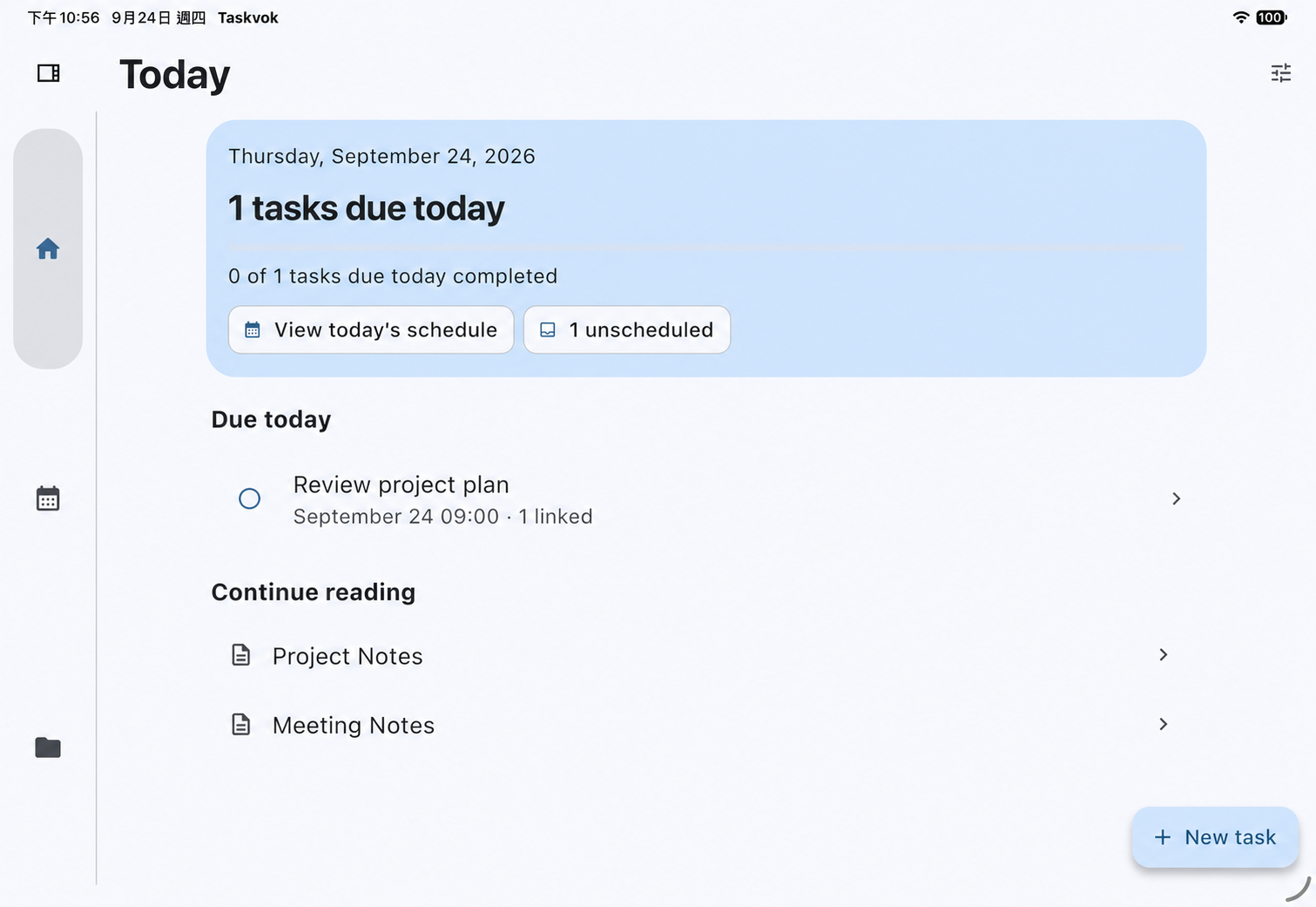
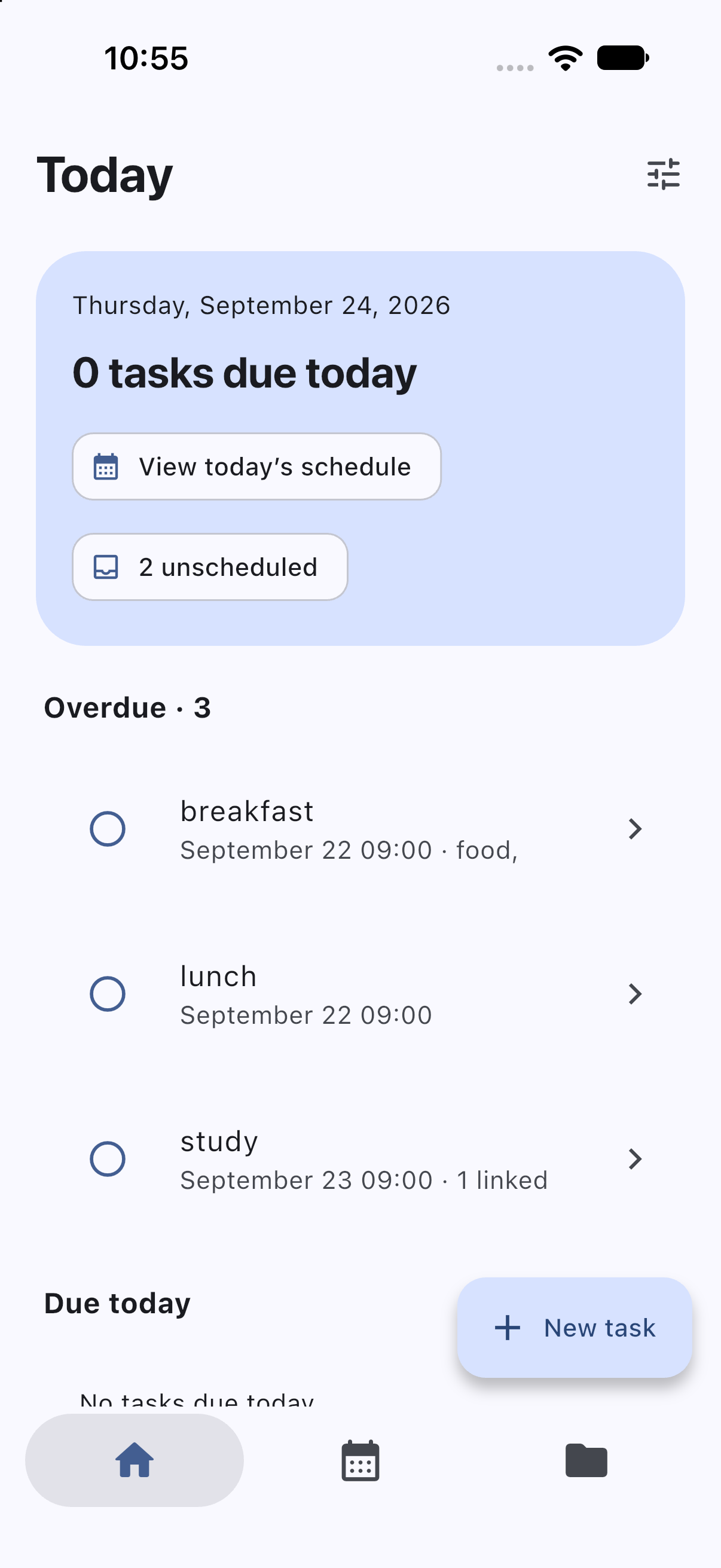
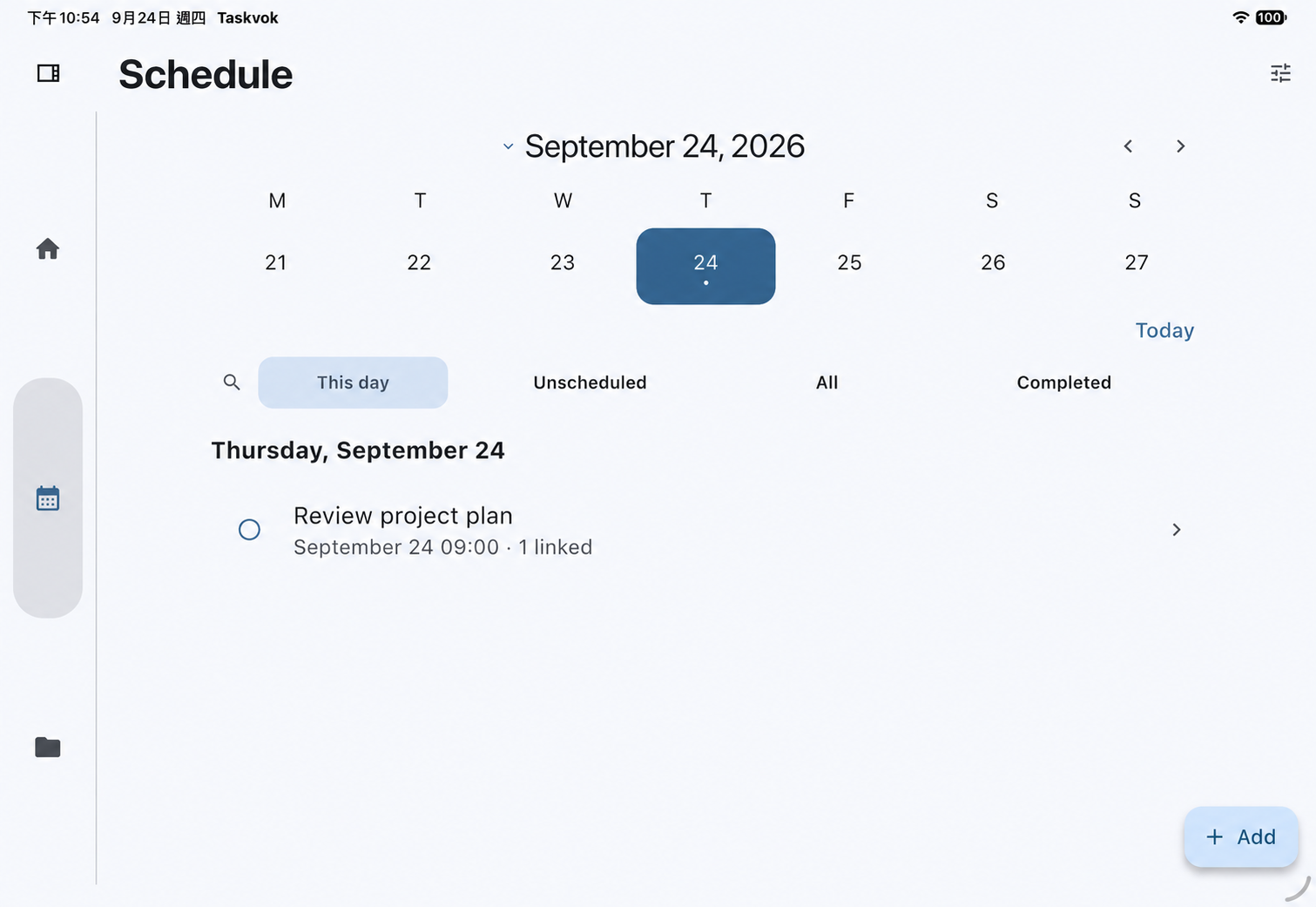
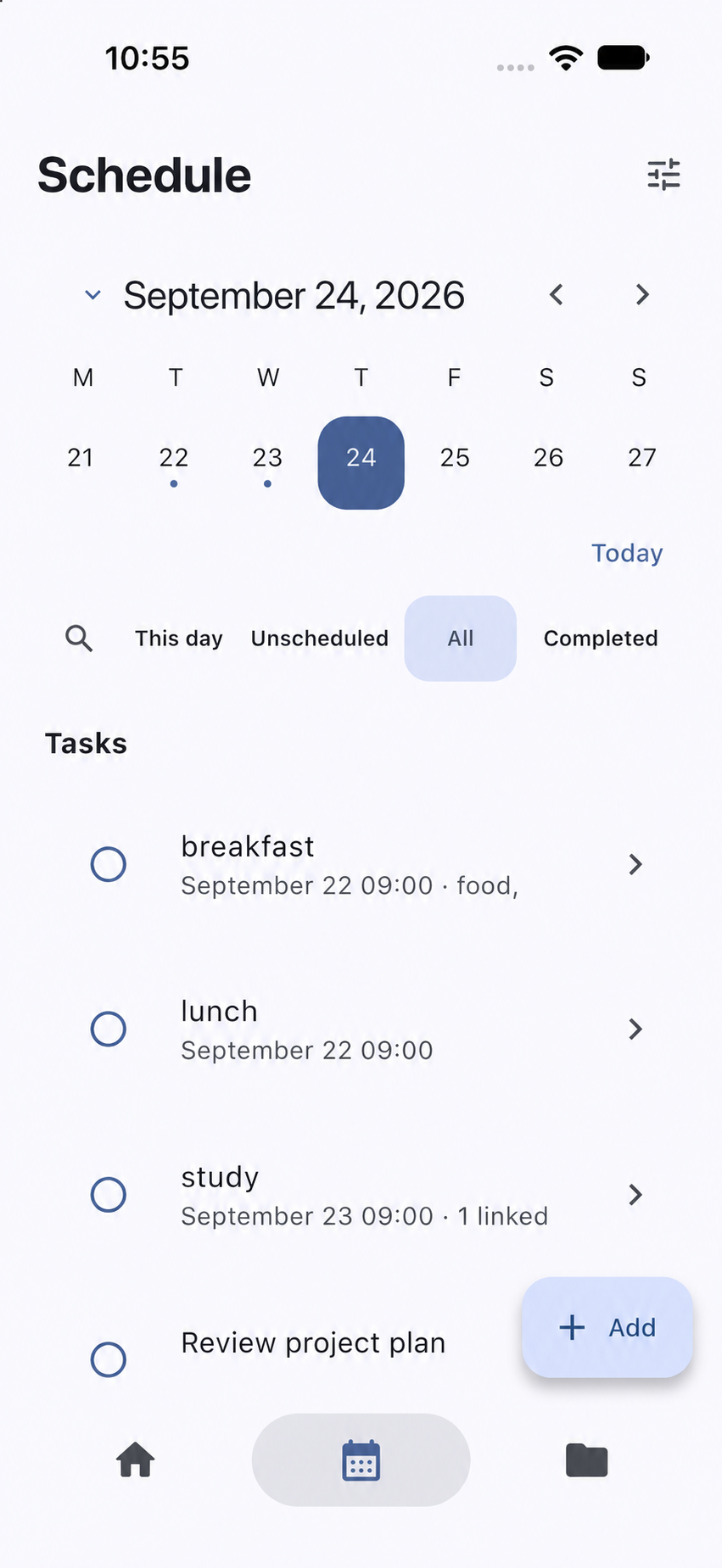
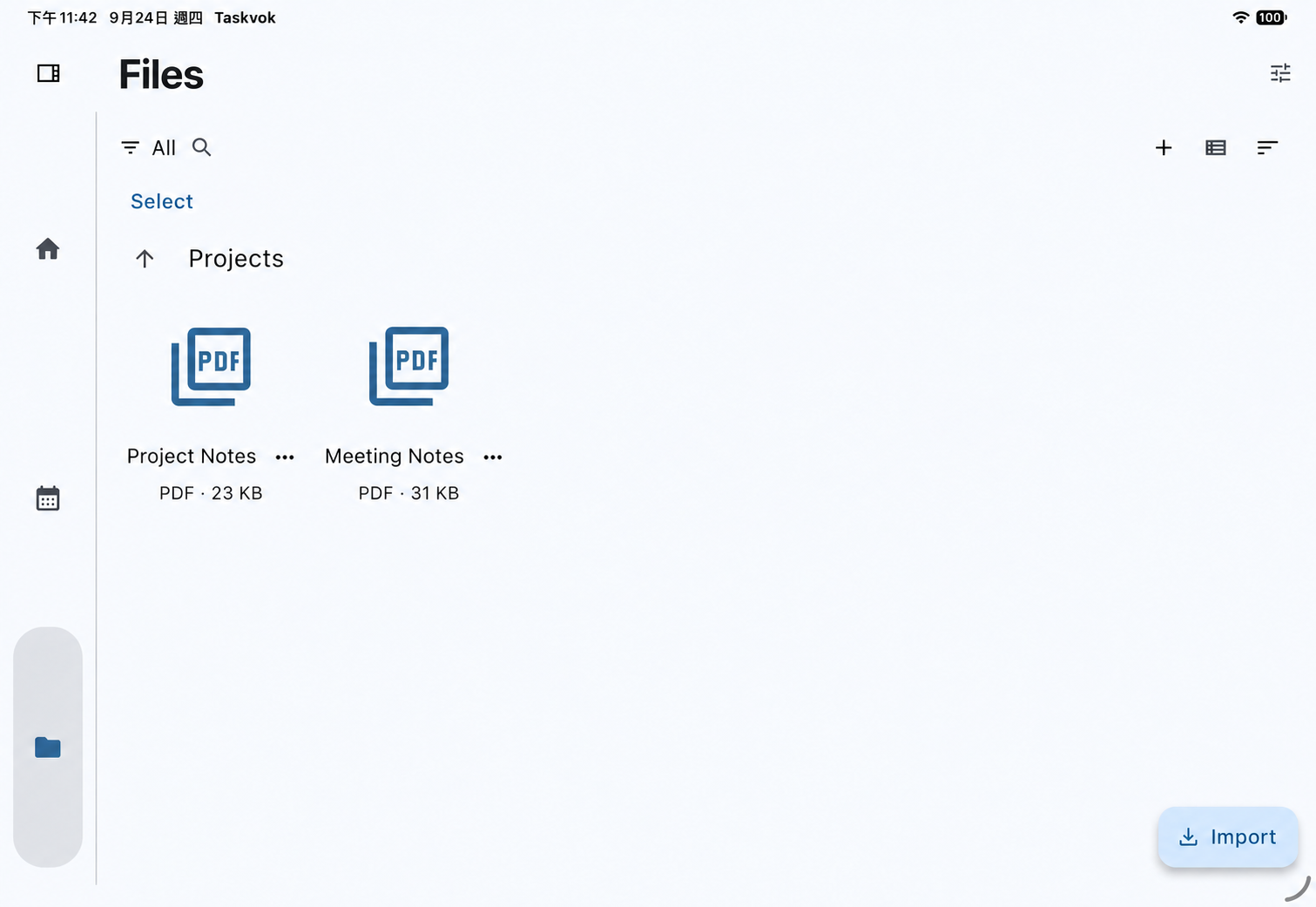
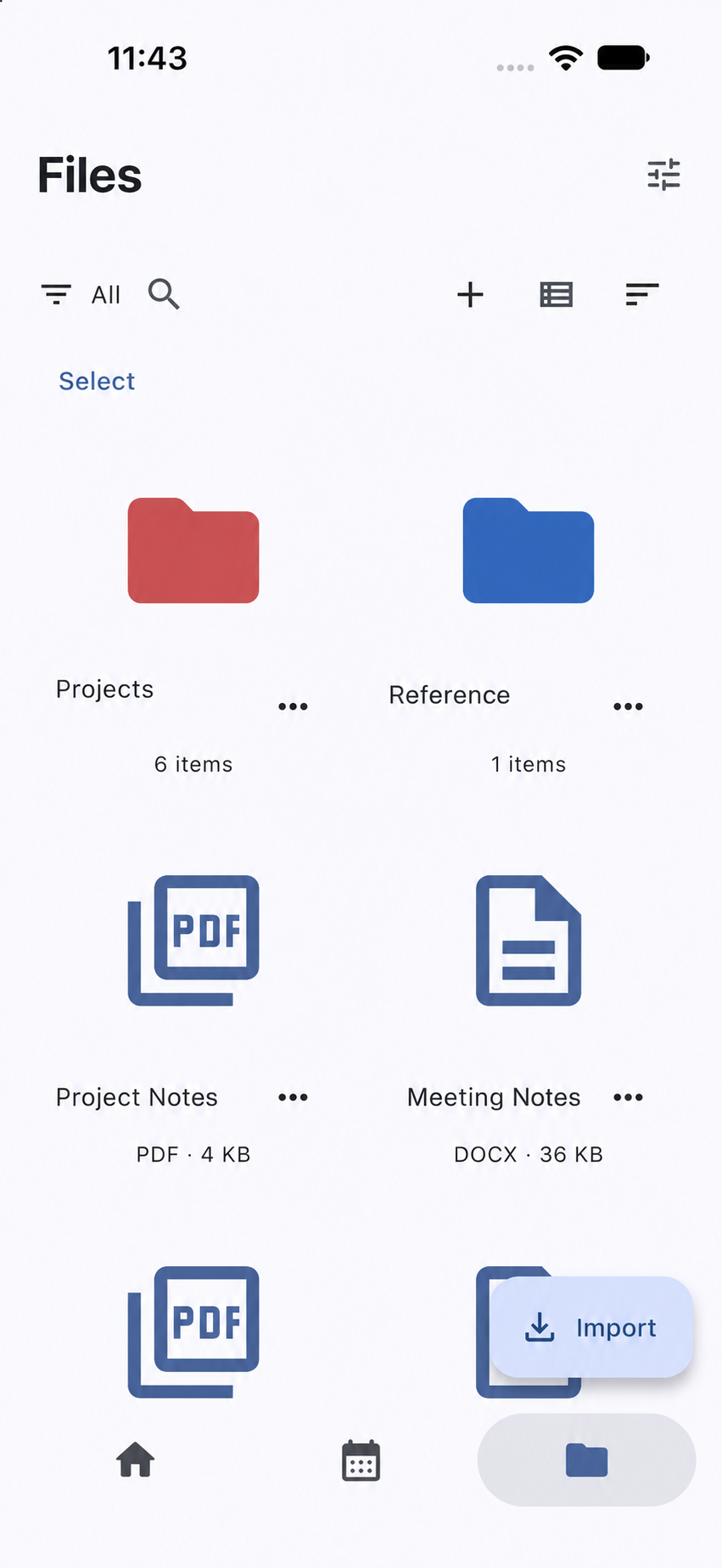
Plan your day, keep your documents close, and give your ideas room to grow.
Keep tasks, events and reminders together. Set a recurring routine without needing Pro.
Included freeWrite text documents and organise imported files for free. Add notes and PDF annotations with Pro.
Free + ProWith Pro, break tasks into subtasks and keep projects organised with folders inside folders.
ProKeep a personal workspace across your iPhone and iPad using the same iCloud account. Your files are stored locally, with optional sync to your private iCloud database.
How iCloud sync worksAll Pro plans unlock the same features: notes, PDF editing, iCloud sync, subtasks and nested folders.
Billed monthly.
About US$3.33 / month. Billed yearly.
One-time purchase. No subscription renewal.
Planned US dollar pricing. Purchases open after launch. Your App Store region determines the currency and available price; Apple’s purchase screen shows the final amount. Monthly and yearly plans renew automatically unless cancelled.
| Feature | Free | Pro |
|---|---|---|
| Tasks, events & recurring schedules | Included | Included |
| Calendar & reminders | Included | Included |
| Create & edit text documents | Included | Included |
| Import, read & organise files | Included | Included |
| Top-level folders | Included | Included |
| Export, backup & restore | Included | Included |
| Themes, app icons & optional 30-day task cleanup | Included | Included |
| Create & edit notes | — | Included |
| PDF editing & annotations | — | Included |
| iCloud sync | — | Included |
| Subtasks & nested folders | — | Included |
Plan tasks and events, including recurring schedules; use reminders; create text documents; import, read and organise files; and export, back up and restore your workspace. Notes and PDF editing, iCloud sync, subtasks and nested folders require Pro.
Saved changes can sync automatically when enabled, but timing depends on your connection and Apple’s delivery. Editing pauses sync. Background updates are not guaranteed; reopening Taskvok helps it catch up.
Your local data stays. You can use free features and read or export existing notes and PDFs. Creating or editing notes and PDFs, iCloud sync, and creating subtasks or nested folders need Pro.
Taskvok is being prepared for iPhone and iPad. Mac availability will be confirmed after compatibility testing. This website introduces the app; it does not store or edit your workspace.
Coming to iPhone and iPad. Downloads open after App Store approval.